Quick answer
The Steam description references suburban areas but does not establish a selectable map name. Use this worksheet to record entrances, one destination and one return, keeping the map name and version with your notes.
Source: Trapstar Games / Valve · checked 2026-10-20 ↗Version & evidence scope: Source-based reference; no game-client build independently tested. How we verify ↗
Is Suburban areas a confirmed Hood Warfare 2 map?
The Steam description references a residential setting of yards, houses and parked vehicles. That wording establishes the setting, not the exact selectable map name, every lane or the objective positions in your installed build.
Use this page as a worksheet for whichever map in your build matches that description. Record the map name your menu shows before comparing two sessions, because a name copied from a video may not match your version.
How should you practise Suburban areas?
Run one bot session with a task you can repeat. Do not try to learn the whole environment at once: pick one start, one destination and one return.
- Which entrances to a yard can you watch from one position?
- Which fences, vehicles or walls block a sightline rather than only hiding you?
- Where does the route to the objective pass a building you cannot see around?
- Repeat the same route once more before changing your setup, so the second run tests the route rather than a new weapon.
Those questions are editorial prompts. They are not tested spawn or sightline claims about the current build.
What should you write down?
| Field | Why it matters | Example of the field, not of the map |
|---|---|---|
| Map name in your menu | Prevents comparing two different environments | Exact name as displayed |
| Mode and objective | Changes which route is useful | Territory, capture, one-life round |
| Start and destination | Makes the run repeatable | Spawn A → zone B |
| Route notes | Records what you actually did | Left street, alley, upper floor |
| What forced you to move | Separates route problems from aim problems | Crossfire, blocked door, no cover |
| Game version | A patch can change a layout or spawn | Version shown in your build |
Keep the notes in the browser-local planner with your setup, so a route observation stays attached to the version and weapon that produced it.
What this page does not contain
No callout diagram, spawn table or “safe lane” list is published here. Those need a dated current-build capture with the mode, the starting point and a reproducible observation. Send a capture or correction if you can supply one.
Promotional screenshots show scenes, not tactical layouts; the gallery explains what each one can and cannot establish.
From the official screenshots
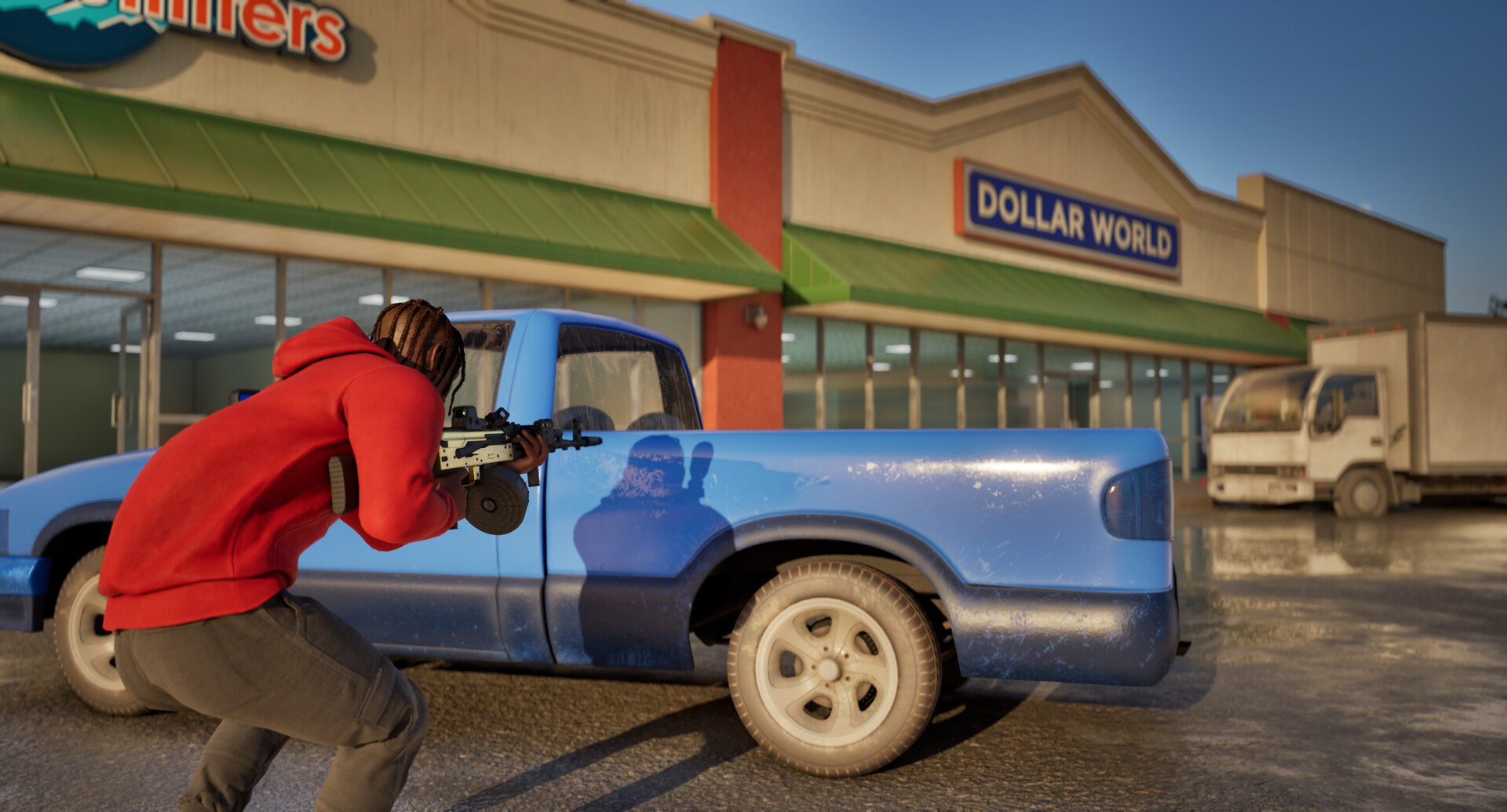
Visual reference from the Steam listing; not a tested map layout or weapon specification. Browse the complete screenshot gallery ↗
Did this help you take the next step?
Send details to the editor ↗