At a glance
Before your first online match, check the PC requirements, use a bot session for practice and learn the objective of your chosen mode. The practice advice here is editorial guidance, not a tested menu walkthrough.
Source: Trapstar Games / Valve · checked 2026-10-15 ↗From the official screenshots
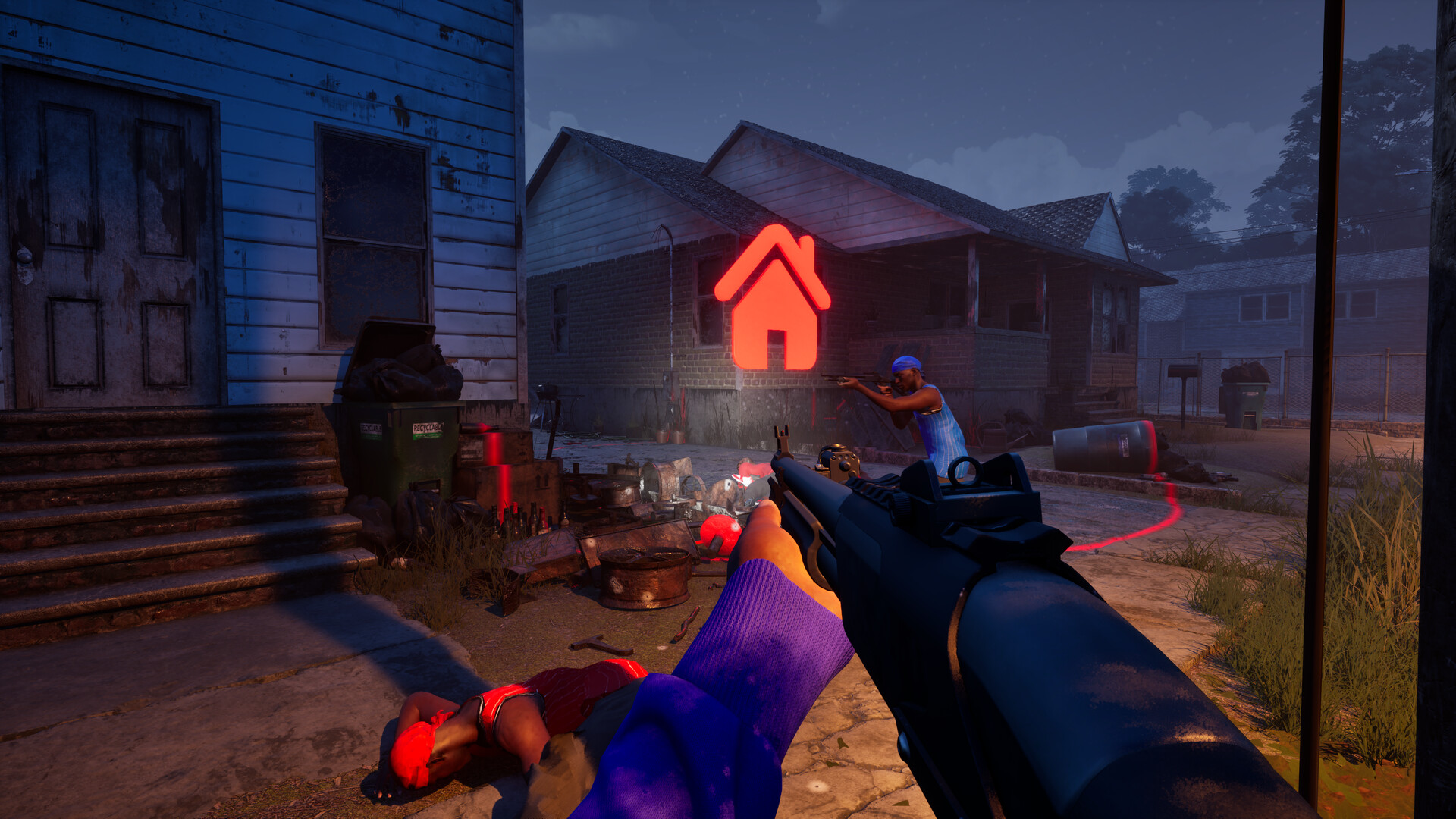
Visual reference from the Steam listing; not a tested map layout or weapon specification. Browse the complete screenshot gallery ↗
Before you launch
Confirm that your PC meets the listed requirements and that you have room for installation and updates. Buy through the official Steam listing, where the current regional price and purchase terms are shown.
Start with a practice session
The store confirms matches against bots. Use a practice session to become comfortable with aiming, movement and the match objective before adding the pressure of online opponents. This is a learning suggestion, not a documented menu-by-menu walkthrough.
Pick an objective you understand
Prefer a straightforward team fight? Read GangBang. Want territory play? Try the Turf War guide. Check the rules before your first round, because earning kills is not the goal in every mode.
Build one habit at a time
- Learn one route before trying to learn the entire map.
- Pause to check the next lane instead of repeating a risky push.
- Keep your setup consistent while learning; change one thing at a time.
- Review the match objective after a death, not just the opponent’s weapon.
These are general FPS learning recommendations. They are not measured claims about the current game balance.
Know what you are working toward
Progression uses more than one track. See progression and unlocks before assuming a new attachment is tied to overall level.
A focused first-session plan
- Use the PC checklist before treating a launch or performance symptom as a game bug.
- Pick one mode and read its objective.
- Use a bot session to learn one route and record your starting setup.
- For a group session, compare installed versions and private-room availability.
- Check voice settings before relying on team callouts.
This plan is editorial advice, not a tested onboarding walkthrough.
Choose your next question
- Adjusting aim? Use the settings comparison checklist.
- Looking for a gun’s level? Read the dated menu report.
- Wondering about match activity? Read what player-count charts actually mean.
- Searching for zombies? Check which game the source describes.
Sources & scope
- Hood Warfare 2 · Steam store ↗
Release, Windows requirements, modes, customization and progression · Checked 2026-10-15